

1
of
7
Loading...
Nous C2 Zigbee Fingerbot – Smart Button Pusher
Regular price
€33,00
Unit price
Pickup available at Dynamodz
Usually ready in 2-4 days
Shipping information
Shipping information
Orders placed on weekdays before 4:00 PM and in stock will be shipped the same day . In most cases, your order will be delivered the next day. More details can be found in our shipping policy .

Nous C2 Zigbee Fingerbot – Smart Button Pusher
Regular price
€33,00
Unit price

Description
Description
NOUS C2 Zigbee Fingerbot – Press Physical Buttons Remotely
Some devices simply cannot be made smart via a switch or relay: a coffee machine, a dishwasher, or an elevator button in a home automation system. The NOUS C2 solves this by literally pressing a physical button or switch on command from your smart home. No wiring, no installation, no replacement of switches. Stick the fingerbot next to the button, set the action, and automate it further.
Power and connectivity
The NOUS C2 runs on a single CR2 battery included in the package. Communication is via Zigbee 3.0 (IEEE 802.15.4) with a range of 90 meters in open space. The device is a Zigbee EndDevice and requires a Zigbee coordinator or Tuya-compatible gateway to function.
Operation and attachments
The fingerbot operates in two modes: a short press (click) and a long press. The maximum arm stroke is 11 mm with a maximum pressing force of 2.0 kgF. The package contains three attachments for different button types:
- Type A (3 mm): for buttons with a height up to 3 mm.
- Type B (6 mm): for buttons with a height up to 6 mm.
- Type C (6 mm): for toggle switches (boat switches) with a height up to 6 mm.
Choose the right attachment based on the button you want to automate and attach the fingerbot with the included sticker next to the button.
Installation
Attach the NOUS C2 with the included double-sided tape next to the button or switch you want to automate. No drilling, no tools. Make sure the arm of the fingerbot extends directly above the center of the button for reliable operation. Also check our wireless switches as an alternative for fixed installations.
Home Assistant
The NOUS C2 works via Zigbee2MQTT as a Tuya-compatible Zigbee device, fully local without the cloud. ZHA support is available to a limited extent but is less complete than via Zigbee2MQTT. Zigbee2MQTT is the recommended route for use with Home Assistant and excels in maximum stability.
Pairing procedure via Zigbee2MQTT
- Put Zigbee2MQTT into pairing mode via the interface or the HA dashboard.
- Hold the button on the NOUS C2 for 5 seconds until the LED flashes rapidly; the device is now in pairing mode.
- The device automatically appears as NOUS C2 in Zigbee2MQTT.
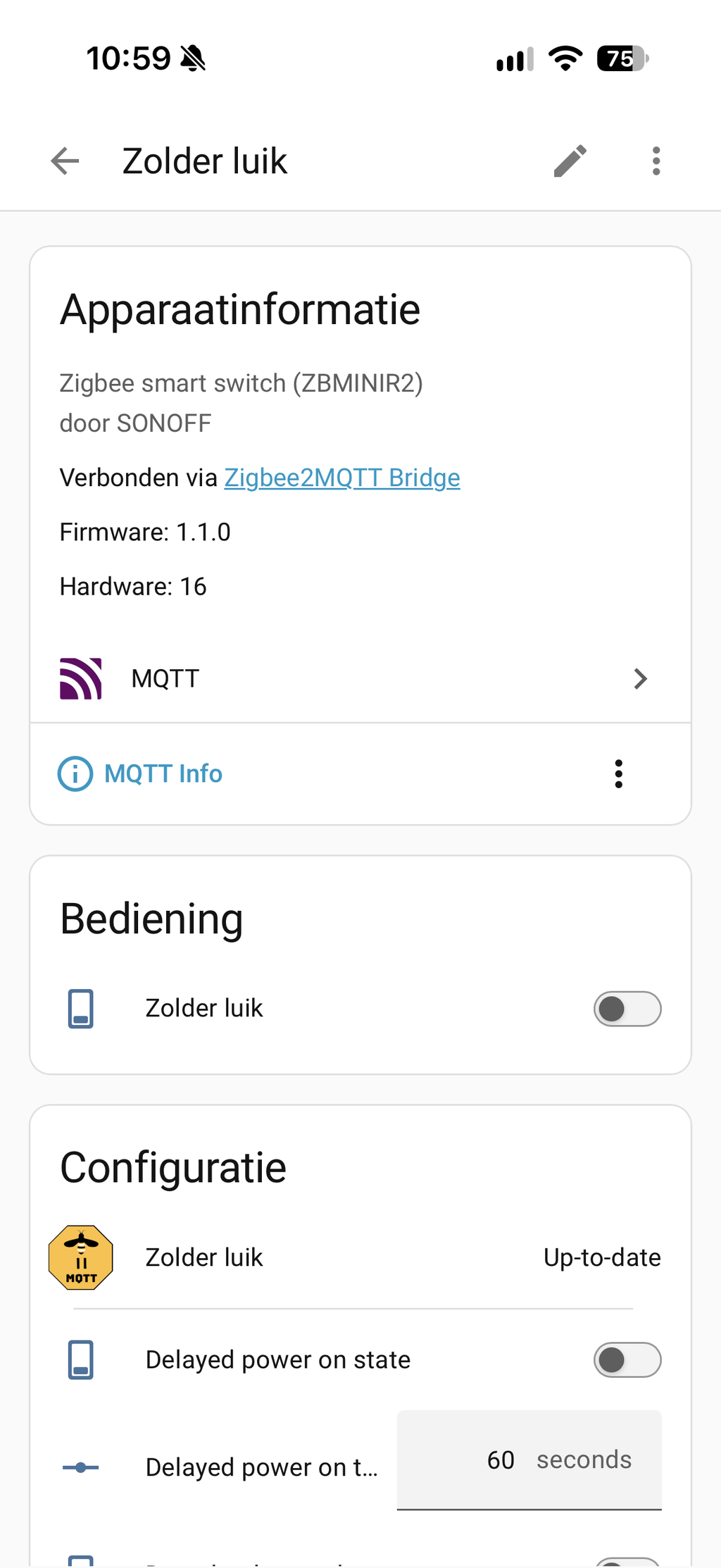
- Go in HA to Settings > Devices & services > MQTT; the fingerbot appears as a new device.
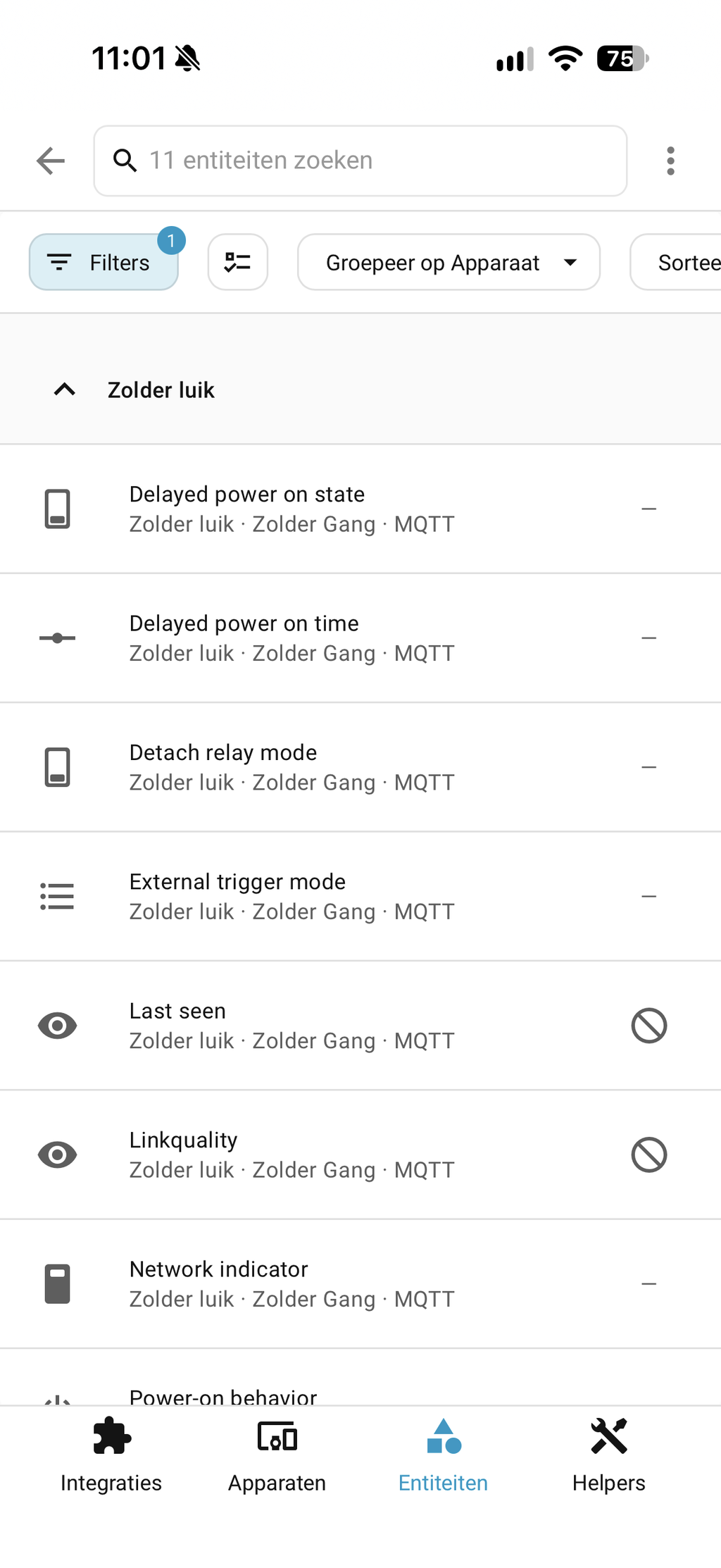
Entities after pairing via Zigbee2MQTT: switch (on/off for press action), battery (percentage), work_mode (click or long press configurable).
Restore factory settings
- Hold the button for 5 to 7 seconds until the LED shows a different flashing pattern to return to factory settings.
Local control via Zigbee2MQTT is confirmed. Cloud is not required after pairing.
Tuya Smart Life
Via a Tuya-compatible Zigbee gateway (e.g. a Tuya Hub or Nous E1, E7 / E15) and the Nous Smart Home app you set up the fingerbot and pair it with Tuya automations. Add the device via the Nous Smart Home app: choose Smart Switches > NOUS C2 and follow the wizard. Alexa and Google Home can be paired via this app for voice control.
Homey
Important note about Homey: From practical experiences and customer experiences, it appears that the NOUS C2 does not work stably with a direct Zigbee pairing with Homey (the device can freeze after some time). We therefore advise against a direct connection on the internal Zigbee chip of Homey.
Do you still want to use the fingerbot within a Homey environment? Then there are two workable routes:
- Via a Tuya Zigbee gateway / hub: Pair the C2 to a Tuya-compatible hub and let the hub communicate with Homey via the official app. This effectively solves any stability issues.
- Via Home Assistant (recommended): Do you use Home Assistant in combination with Zigbee2MQTT? Then the fingerbot works extremely reliably and rock-solid.
Other platforms
Via the Nous Smart Home app, the fingerbot can be paired with Alexa and Google Home for voice control. Apple Home is not directly supported; indirect pairing via Home Assistant and Homebridge is possible.
Automation examples
Example 1 – Turn on coffee machine with alarm
- Trigger: alarm_control_panel.alarm is activated at 07:00.
- Condition: binary_sensor.presence_bedroom is set to home.
- Action: call switch.fingerbot_coffee_machine to press the on button of the coffee machine.
Example 2 – Start dishwasher via button press after detecting full dish
- Trigger: input_boolean.dishwasher_full is set to on via a dashboard button.
- Condition: time is after 23:00 (night electricity rate).
- Action: call switch.fingerbot_dishwasher to press the start button of the dishwasher, send push notification "Dishwasher started on night rate."
Points of attention
- Zigbee coordinator or Tuya-compatible gateway is mandatory; the fingerbot does not work standalone.
- Direct Zigbee pairing with Homey is advised against due to possible stability issues; use a Tuya hub or Home Assistant for this.
- Maximum arm stroke is 11 mm; check if the button you want to operate falls within this range.
- Maximum pressing force is 2.0 kgF; suitable for light buttons and switches, not for buttons that offer high resistance.
- Attach the fingerbot directly above the center of the button for optimal operation.
- IP20 protection: exclusively suitable for indoor use in dry locations.
- ZHA support is limited; use Zigbee2MQTT for full entities and work modes.
Box contents
- 1x NOUS C2 Zigbee Fingerbot
- 3x attachment (Type A 3 mm, Type B 6 mm, Type C 6 mm)
- 2x mounting sticker (double-sided tape)
- 1x CR2 battery (included)
- 1x user manual
Compatibility
Compatible with Zigbee2MQTT, Tuya Smart Life, Nous Smart Home, Alexa and Google Home. Works with all Zigbee 3.0 coordinators, including the SMLIGHT SLZB series and other Zigbee USB controllers. View all other automation accessories in our assortment.
Specifications
| Model | NOUS C2 |
| Protocol | Zigbee 3.0 (IEEE 802.15.4) |
| Zigbee role | EndDevice |
| Operating modes | Short press (click), long press (long press) |
| Maximum arm stroke | 11 mm |
| Maximum pressing force | 2.0 kgF |
| Range | 90 meters (open space) |
| Battery | CR2 (included) |
| Dimensions | 38 x 38 x 38 mm |
| IP protection | IP20 |
| Operating temperature | -20°C to +60°C |
| Humidity | maximum 99% (non-condensing) |
| Certification | CE, RoHS |
| HA integration | Zigbee2MQTT (recommended), ZHA (limited) |
| Country of origin | Poland / EU (brand NOUS) |
Frequently asked questions
Do I need a Zigbee hub for the NOUS C2?
Yes, the NOUS C2 is a Zigbee EndDevice and does not work standalone. You need a Zigbee coordinator, such as the SMLIGHT SLZB series in combination with Zigbee2MQTT, or a Tuya-compatible Zigbee gateway such as a Tuya Hub / Nous E-series for use via the Nous Smart Home app.
Which buttons can I automate with the NOUS C2?
The fingerbot works on buttons and switches with a height up to maximum 6 mm. Three attachments (Type A, B and C) are included for different button types. Type C is specifically for toggle switches. Always check if the height of the button falls within the 11 mm arm stroke before you mount the fingerbot.
Does the NOUS C2 work locally in Home Assistant?
Yes, via Zigbee2MQTT the NOUS C2 works fully local without a cloud connection. After pairing the switch entity and work mode are directly available in HA for use in automations and dashboards.
Is the battery included?
Yes, the CR2 battery is in the package. The lifespan depends on the use; the more often the arm moves, the faster the battery drains. A low battery level is reported via the battery entity in Zigbee2MQTT.
Can I also use the fingerbot for toggle switches?
Yes, Type C attachment is specifically designed for toggle switches (boat switches) with a height up to 6 mm. Make sure the fingerbot is correctly aligned so that the arm fully flips the switch. Check our smart switches if you prefer a built-in solution.
Does the NOUS C2 work together with Homey?
A direct Zigbee pairing with Homey is advised against, because the C2 in practice can freeze after some time. If you still want to use it with Homey, it is necessary to work via a Tuya Zigbee gateway as a bridge. For a guaranteed stable, local operation we advise Home Assistant with Zigbee2MQTT.
✅ slimhuisje.nl — Directly available, battery included and directly usable in your existing network (with correct gateway or Zigbee2MQTT). Take the step to smart automation without complicated renovations.
EAN: 5903206938182
Payment convenience: pay the way you want